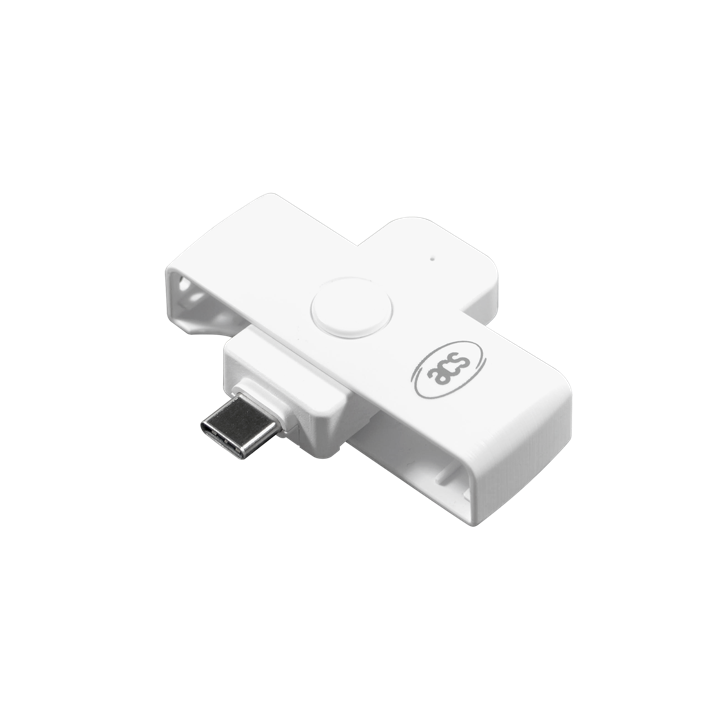
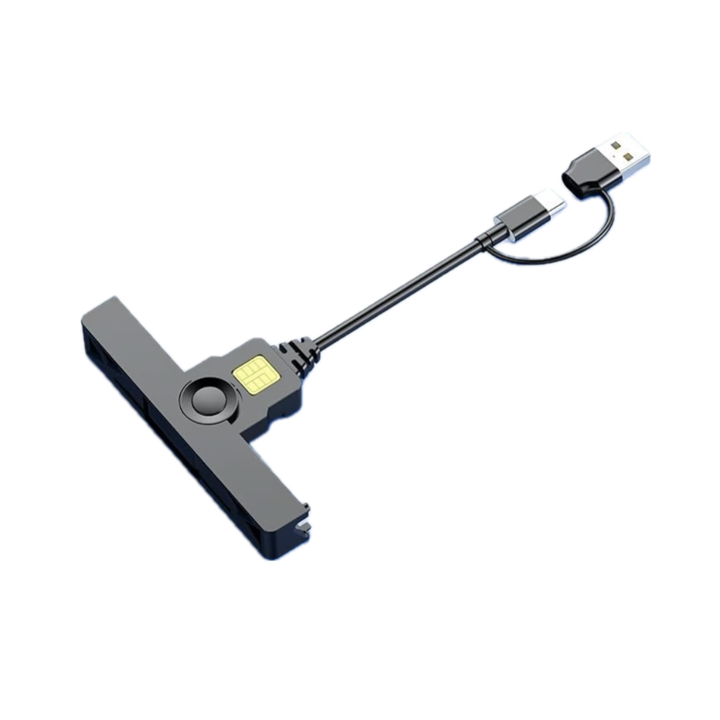
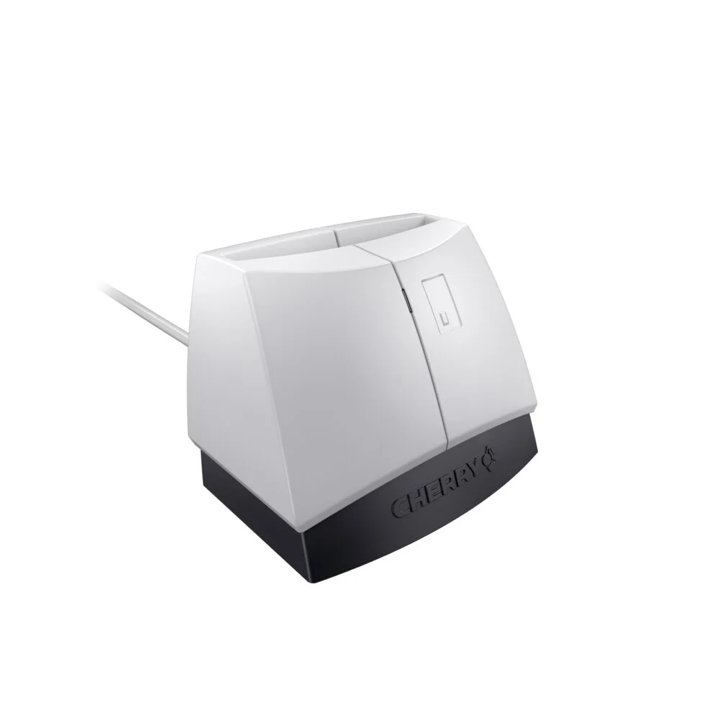
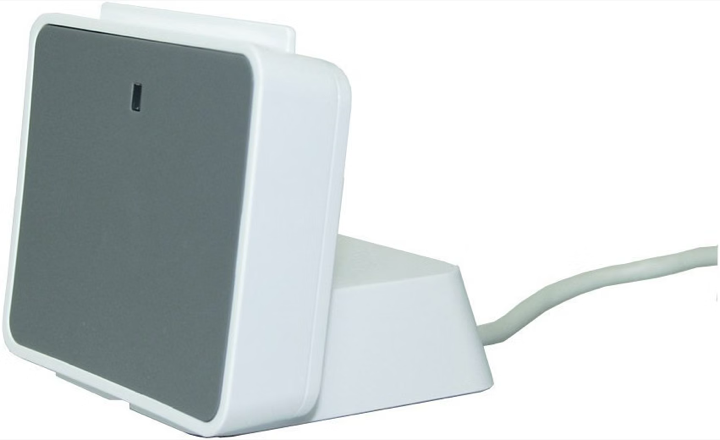
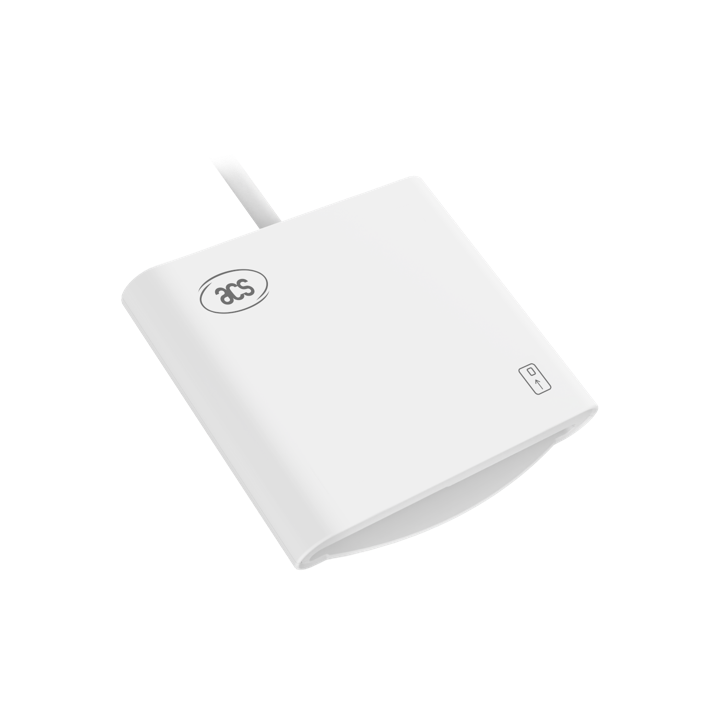
Use a data adapter if needed. CHERRY and Identiv need a USB-A to USB-C adapter for USB-C phones.
Insert your driver card
Follow the chip direction on the reader. On Android, allow USB access when asked.
Open Read card in My Tacho
Tap “Read my driver card”, then review the imported records. Keep it connected until finished.
Your first successful supported import is free. Further imports require the one-time unlimited-imports unlock. Lightning connections are not yet tested. The app reads your card without changing it; it does not replace statutory downloads.
Before you buy
Already have a reader? Try it before buying another.
Check the testing status for iOS or Android, the connector and the seller’s returns policy.
Include any adapter in the total cost. You don’t need to choose the most expensive reader.
Purchase links are coming soon. Any affiliate links will be labelled; we may earn a commission from qualifying purchases.
A little help
My reader isn’t showing
Unlock your phone, reconnect the reader and scan again. Check your adapter supports data, not just charging. On Android, allow USB access.
My card isn’t detected
Check the chip direction and push the card fully into the slot. Remove it, reinsert it and try again.
The read fails or disconnects
Keep your phone unlocked and the cable still. Reconnect and try once more. If it keeps failing, contact us with the error message, platform, app version and reader name.
Some records are missing
Check “Activity assessed up to” on Today. Assessment ends at the last supported card-out boundary; later time is not an automatic evidence gap. At your next card insertion, use the tachograph’s manual-entry prompt to record what actually happened, then read your card again. This does not automatically repair older gaps.
My Tacho reads Gen 1-compatible driver records, including backward-compatible records on Gen 2 cards. Newer smart-card fields such as GNSS locations are not analysed. Supported saved files include .ddd, .tgd, .c1 and compatible JSON snapshots. Gen 2-only files and vehicle-unit files are not supported. Bluetooth reading is not available.
Reader snapshots are unsigned personal records, not full signed statutory downloads. Only read your own card. Later reads are checked against your driver identity; a replacement must pass the identity check before you can confirm it.