Drivers Logbook · card readers

A reader for your phone.
Help choosing one.

Compare readers, connect your card and get help when you need it.

Meet the readers

Updated 18 September 2026

Our favourite for portability, a budget option, and more tested readers.

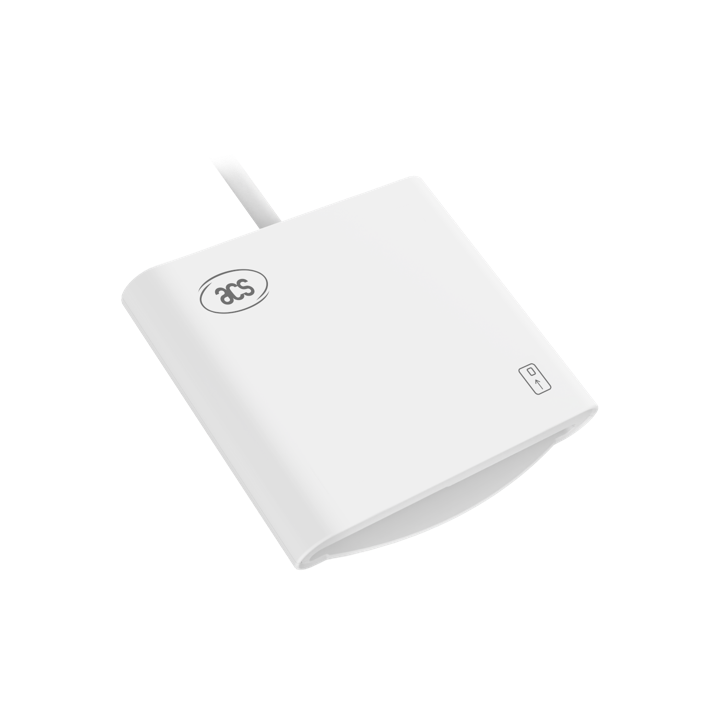
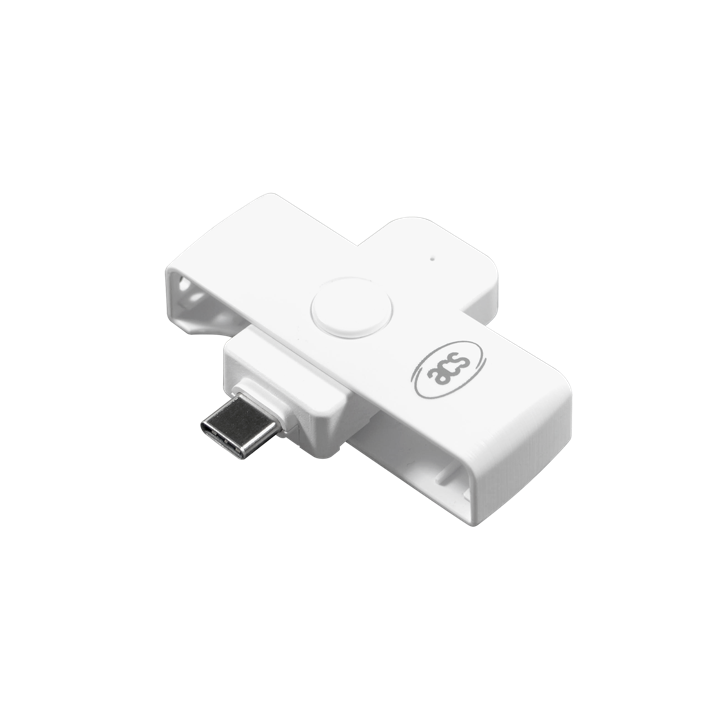
ACS ACR39U
Our personal favourite

ACS ACR39U

Small, portable and easy to use.

iOS
Testing passed
Android
Testing in progress

Check the connector before buying. USB-A readers need a USB-A to USB-C data adapter for USB-C phones.

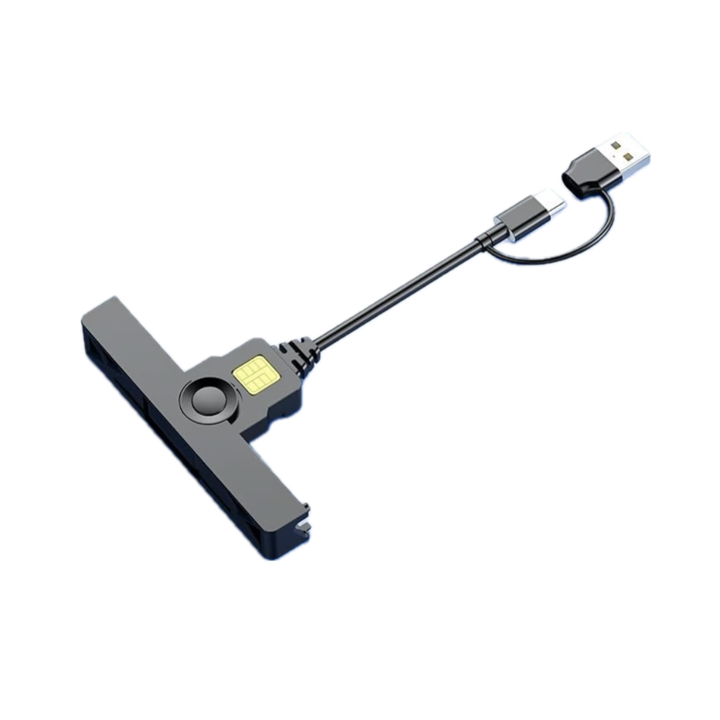
Generic EMV Smartcard Reader
Budget option

Generic EMV Smartcard Reader

The lowest-cost reader in our test selection. Exact purchase link coming soon.

iOS
Testing passed
Android
Testing in progress

Check the exact model and connector. Similar-looking readers can use different hardware.

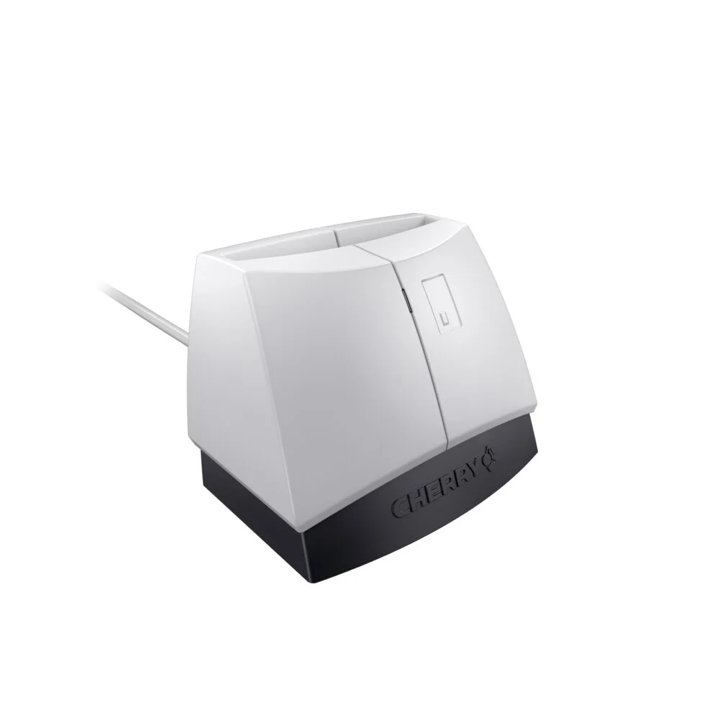
CHERRY SmartTerminal xx44

CHERRY SmartTerminal xx44

iOS
Testing passed
Android
Testing passed

USB-A connection · USB-A to USB-C data adapter required for USB-C phones.

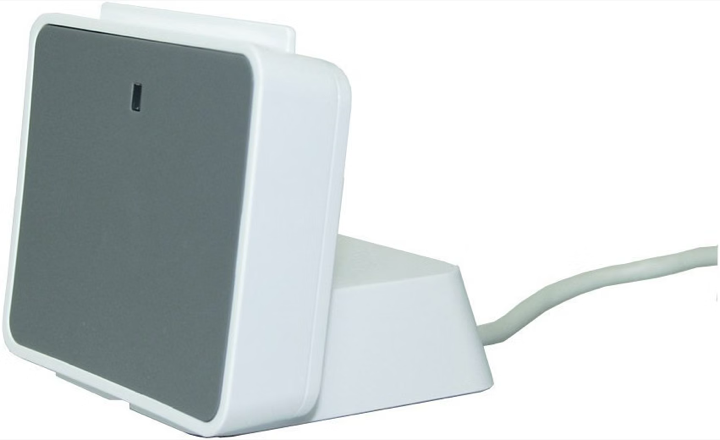
Identiv uTrust 2700 R

Identiv uTrust 2700 R

iOS
Testing passed
Android
Testing passed

USB-A connection · USB-A to USB-C data adapter required for USB-C phones.

ACS ACR40U

ACS ACR40U

iOS
Testing passed
Android
Testing passed

Check the connector before buying. USB-A readers need a USB-A to USB-C data adapter for USB-C phones.

Connect in three steps

  1. Plug in your reader

    Use a data adapter if needed. CHERRY and Identiv need a USB-A to USB-C adapter for USB-C phones.

  2. Insert your driver card

    Follow the chip direction on the reader. On Android, allow USB access when asked.

  3. Open Tachograph in the app

    Choose the card-reader option, read your card and review the imported records. Keep it connected until finished.

Card imports require Pro and the card-reading update. Lightning connections are not yet tested. The app reads your card without changing it; it does not replace statutory downloads.

Before you buy

Purchase links are coming soon. Any affiliate links will be labelled; we may earn a commission from qualifying purchases.

A little help

My reader isn’t showing

Unlock your phone, reconnect the reader and scan again. Check your adapter supports data, not just charging. On Android, allow USB access.

My card isn’t detected

Check the chip direction and push the card fully into the slot. Remove it, reinsert it and try again.

The read fails or disconnects

Keep your phone unlocked and the cable still. Reconnect and try once more. If it keeps failing, contact us with the error message, platform, app version and reader name.

Some records are missing

Check the imported dates and existing shifts before adding anything again. Contact us if the expected records are still missing.

Still stuck? Contact support.