Live shift recording
Start and finish shifts, record tachograph reference activity, change vehicles or trailers and review the full record before completing it.
 Donut Development
Version 1.0.6 · available now
Drivers Logbook 1.0.6 brings a refreshed interface to give UK drivers a faster, clearer way to record shifts, monitor working time and maintain independent employment records.


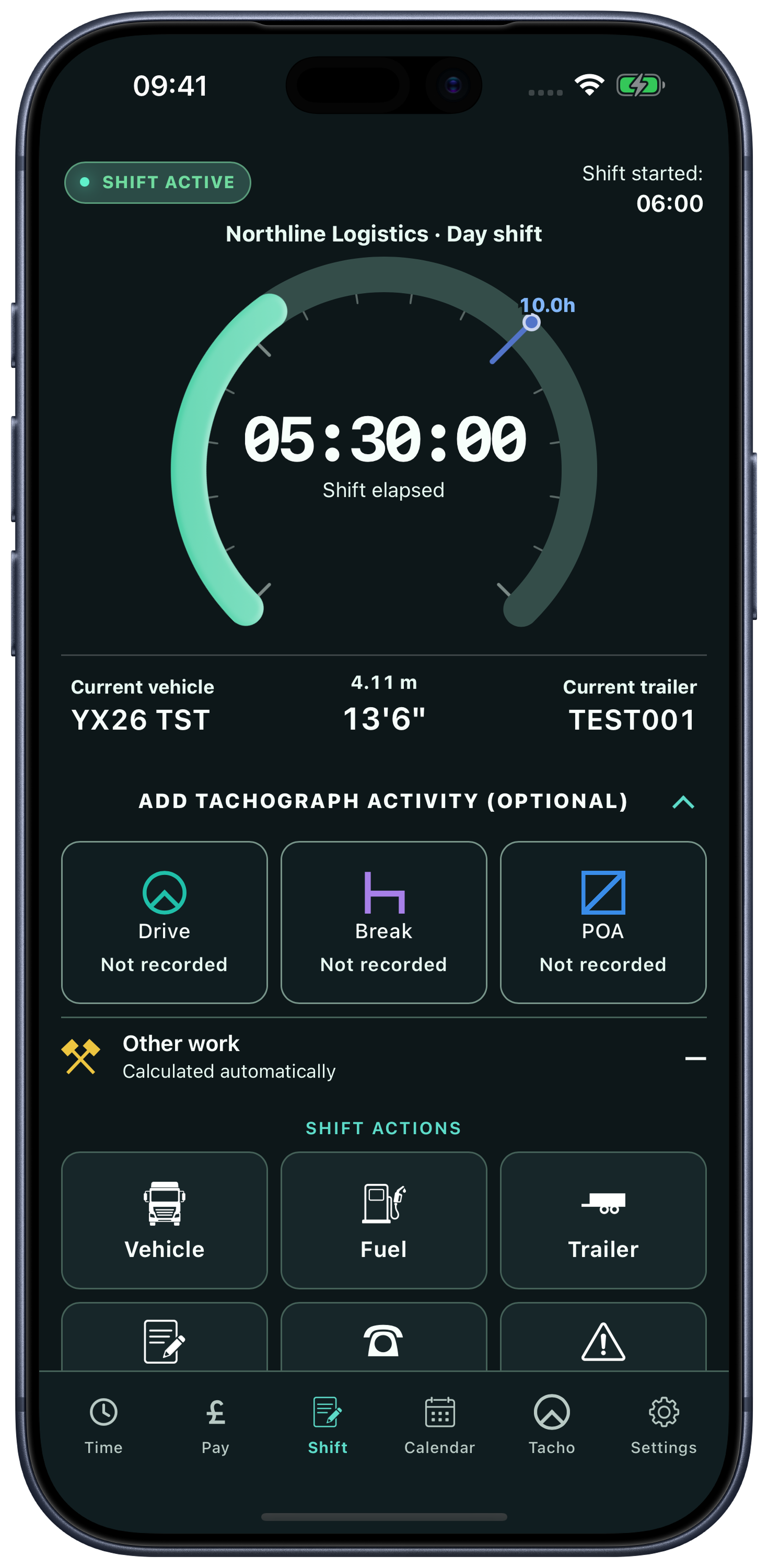
Shift progress, expected pay and driver-card activity in Drivers Logbook 1.0.6. Example records.
What’s new
The new version introduces an active-shift workflow. Start a shift, record important information as the day progresses and review the complete record before saving it. You can also enter a complete shift retrospectively when live recording is not required.
Start and finish shifts, record tachograph reference activity, change vehicles or trailers and review the full record before completing it.
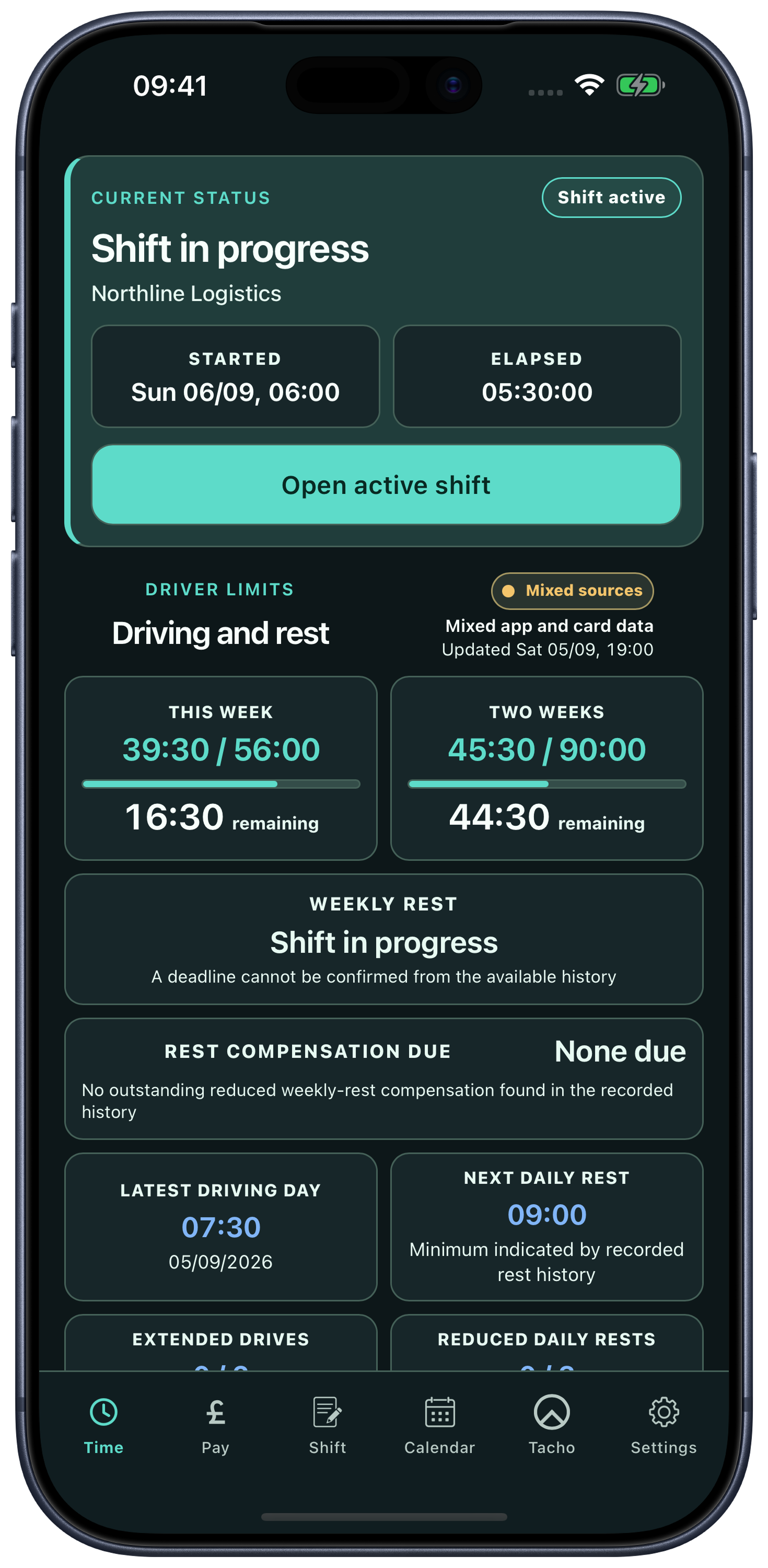
Track rest progress, weekly driving totals, earliest suggested next shift and driving, break, POA and other-work totals.
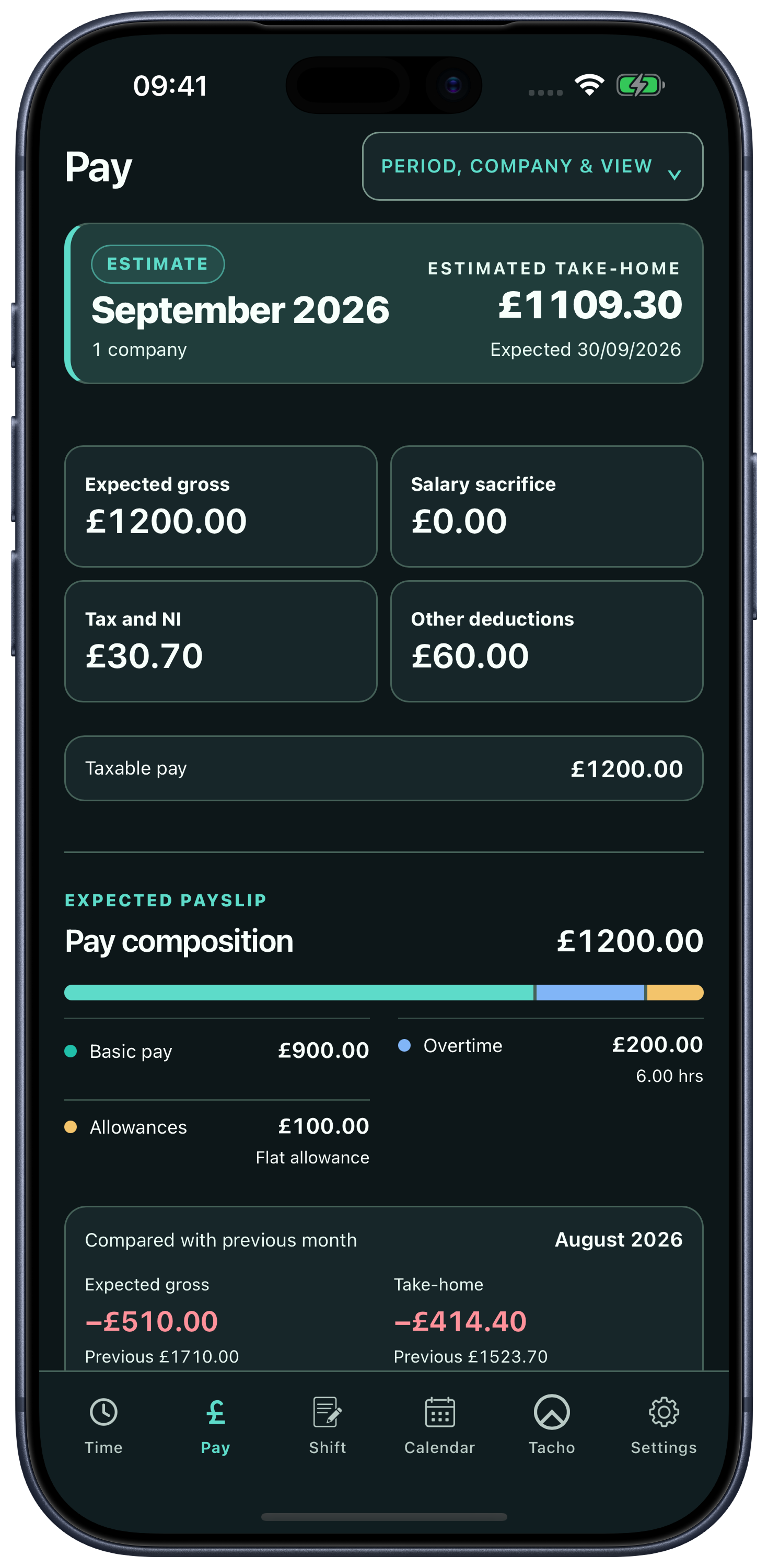
Separate Work Completed and Expected Pay views help distinguish what was worked from when it is expected to be paid.
Create shift, weekly, monthly, pay-period and Driver Record PDF reports when you need to save, print or email records.
Core workflow
Choose the approach that suits your working day. Update an active shift as you go, or enter the completed shift afterwards. Pro card reading can also automatically add shifts from your driver card, including start and end times, vehicle and mileage where the card provides them. Review any uncertain matches or missing details. A compatible reader is required.
Start an active shift and add vehicle changes, mileage, fuel and notes as needed. Finish and review when work ends.
Enter the date, company and start/end times afterwards, adding the details you want to keep.
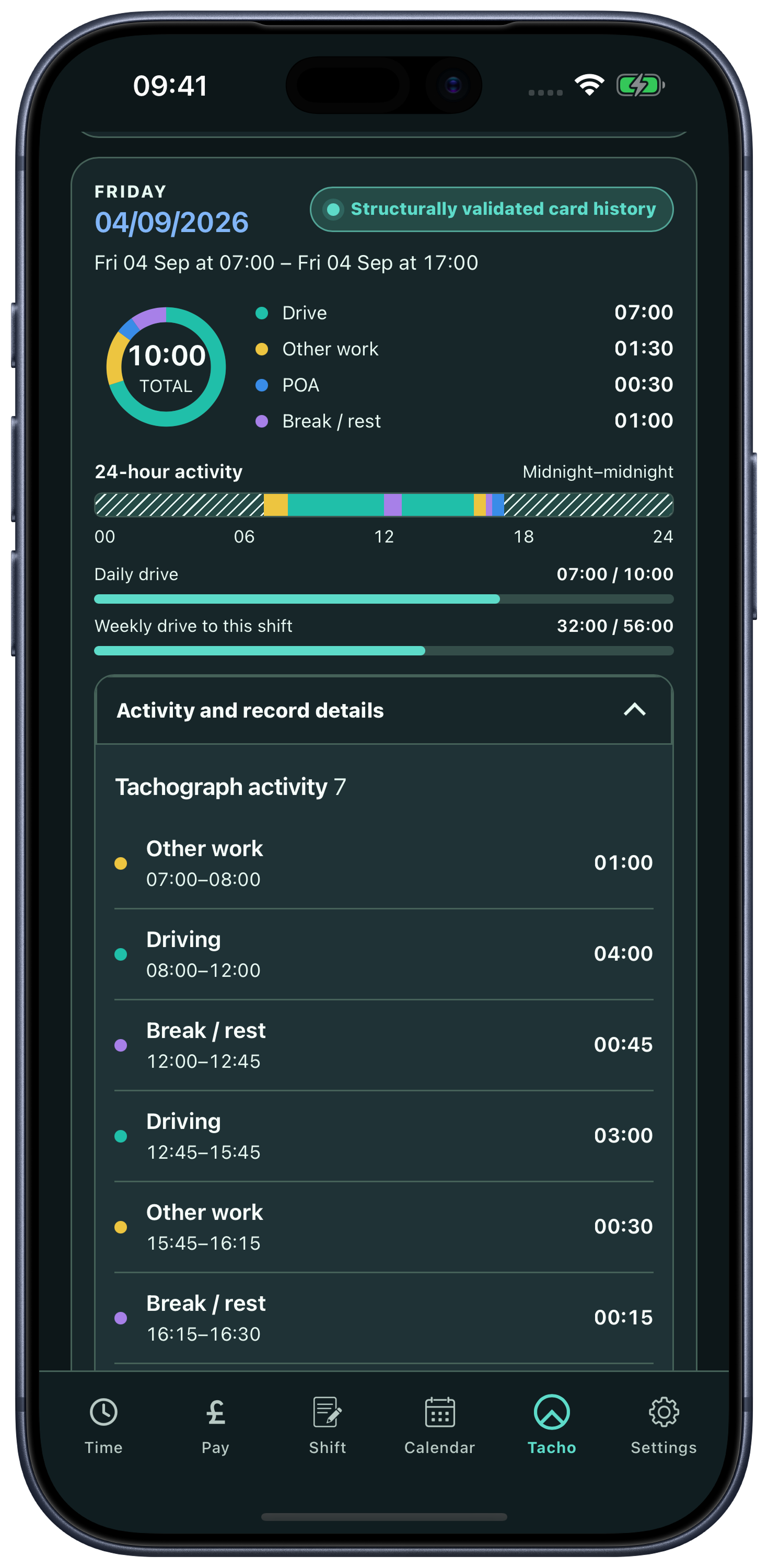
After card-out, use a compatible reader. Card data can automatically add shifts with start/end times, vehicle and mileage where available, or match existing shifts. Review uncertain records and add anything missing.
Important
Pro card reading adds imported driver-card activity alongside manually entered records. A compatible connected reader is required; optional card reading is a Pro feature. Truck Bluetooth remains unavailable and is planned for a future release. Drivers Logbook does not replace an official tachograph, driver card, employer system or legal compliance advice.
Pay and reports
Shows what was worked and earned during selected dates.
Assigns basic pay, overtime, bonuses, nights out and expenses to the payslip where they are expected to be paid.
Compare figures from an employer payslip with the app estimate to understand possible differences.
Screens
Example records. Card reading requires Pro and a compatible connected reader.
Private by design
Download
Version 1.0.6 is now available on the App Store and Google Play. It includes the refreshed interface, optional Pro driver-card reading, shift matching, timed activity details and clearer pay views. Use a compatible connected reader after card-out. Truck Bluetooth remains in testing and is not available in this release.
Imported activity is for personal reference. Continue using official tachograph records and your operator’s required signed downloads.
Check our recorded iPhone and Android tests, USB-A to USB-C adapter requirements and troubleshooting before buying.
Card readers, adapters and buying guide